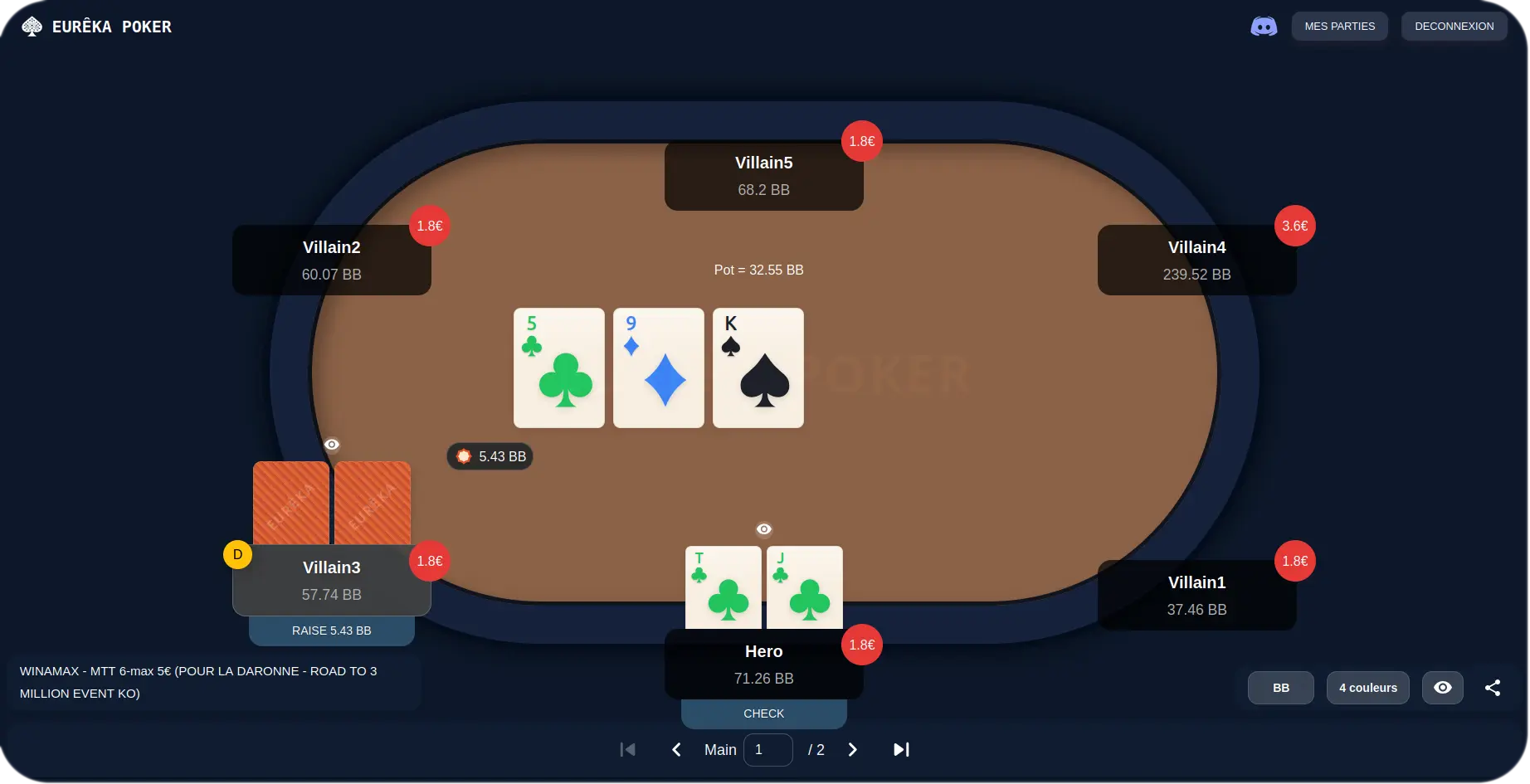
Why recover your hand histories?
Analyzing your hands is not just for pros. It is the simplest way to turn every session into a source of improvement.
- Replay every hand in a visual replayer, street by street
- Spot your mistakes and leaks to improve faster
- Share your hands with friends or your coach for an outside opinion
Where to find your histories, room by room
Every room saves your hands differently. Click yours for the detailed guide to file locations and recovery.
 WinamaxStill active in France, Winamax saves a .txt file per table or tournament on your computer.
 BetclicActive in France: with its in-house software, Betclic no longer creates local files, so recover your hands via the client's export or a request to support.
 PMU PokerActive in France and moved to the iPoker network in early 2025: enable local saving in the client to generate your files.
 Parions Sport (Unibet)Merged into Unibet since March 2026: files already saved to your disk before the migration should, in principle, still be importable.
 Party PokerActive in France and moved to the iPoker network in September 2025: recover your hands via the new client's history or the website's export.
 PokerStarsActive in France: manually enable history saving in the client to record your hands as .txt files.
 GGPokerNot licensed by the ANJ in France: recover your hands via the PokerCraft export from your account.
How to import your hands into Eurêka Poker
- 1
Recover your history files from your poker room.
- 2
Import them for free into Eurêka Poker by drag and drop.
- 3
Replay each hand in the replayer and annotate your decisions.
- 4
Share your hands and improve with every session.
Frequently asked questions
Eurêka Poker imports histories from Winamax, Betclic, PMU Poker, Parions Sport (now Unibet), Party Poker, PokerStars and GGPoker. Most of them generate text files (.txt) on Windows and Mac.
Enable the history-saving option in your room's software: on several rooms, no file is created until it is checked. Each room uses a different location, detailed in its guide.
Check that they come from a compatible room and that they contain the hands (tournament _summary files do not). Some rooms deliver a .zip archive to import without unzipping it.
Most rooms do not save histories on mobile. Use the PC or Mac client to export your hands, then import them into Eurêka Poker.
The ~/Library folder is hidden by default. In the Finder, use the Go menu then Go to Folder, and paste the path given in your room's guide. The folder often only appears after the first hand played.
Yes. Recovering your histories, importing them and replaying them in the Eurêka Poker replayer is entirely free.
It is the text file in which your room records the full sequence of every hand played: cards, bets and actions. This is the file Eurêka Poker reads to reconstruct and replay your games.